
Best Sony FX5 Settings in 2026: Cine EI, Open Gate, Autofocus and Audio
8/22/2026
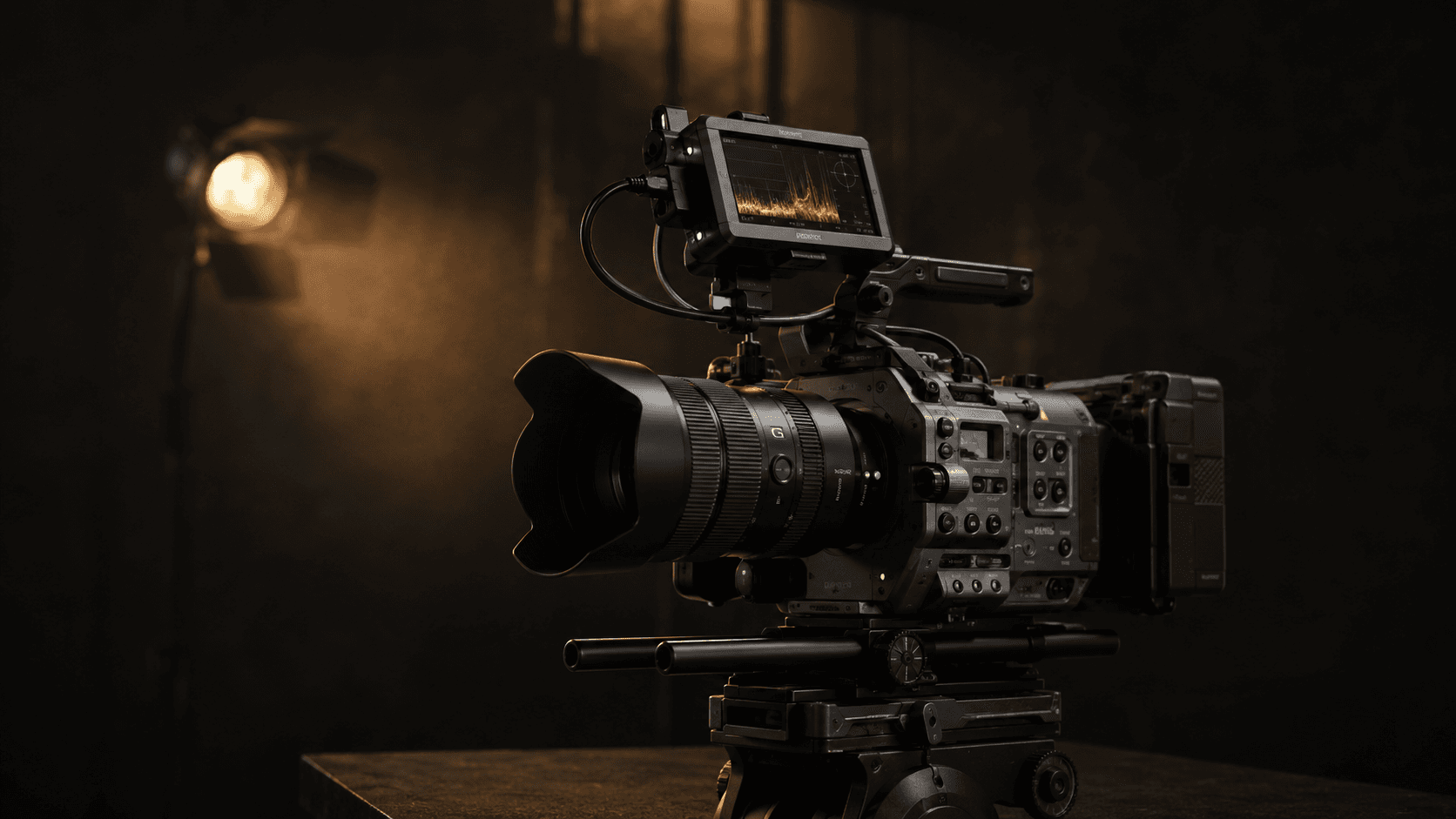
There is no single FX5 preset for every production. Lighting, delivery format, turnaround time and post-production determine whether Cine EI, S-Cinetone, X-OCN or Open Gate is appropriate.
This guide provides practical starting points for industrial films, interviews and slow motion.
Recommended starting setup
Project: 25p
Shutter: 1/50 or 180 degrees
Shooting mode: Cine EI
Color space: S-Gamut3.Cine / S-Log3
Codec: X-OCN LT or XAVC S-I 10-bit 4:2:2, depending on workflow
White balance: Manual
Exposure: Waveform and Zebra
Focus: Tested tracking or manual focus
When to use Cine EI
Cine EI is appropriate for productions with controlled lighting and professional color grading. The sensor Base ISO remains fixed while the EI setting primarily changes monitoring and exposure decisions.
For industrial and commercial films, Cine EI helps maintain consistent behavior between setups. Select Base ISO according to lighting level and highlight protection, then expose with measurement tools rather than LCD brightness alone.
When Flexible ISO is better
Flexible ISO is faster for documentary, events and solo operation where lighting changes quickly. Auto ISO should only be used with a sensible upper limit and deliberate exposure compensation.
Avoid Auto White Balance during long takes because visible color shifts can be difficult to correct.

Strong settings are repeatable from capture through post-production.
S-Cinetone or S-Log3?
S-Cinetone suits fast delivery, corporate interviews and projects without extensive grading. The recorded image is closer to the final result and exposure is easier to manage.
S-Log3 offers more flexibility for high-contrast scenes, multi-camera matching and professional grading. Log alone does not create a cinematic image; correct exposure, white balance and grading remain essential.
X-OCN or XAVC?
X-OCN is useful for VFX, demanding grades and difficult lighting. It also requires more media, backup capacity and processing power.
Ten-bit XAVC provides a practical balance of quality and file size for many industrial and commercial jobs. Choose a codec the editing team can manage without a slow conversion workflow.
When Open Gate is valuable
Open Gate helps when one production needs 16:9, vertical and square deliverables. The additional sensor height provides reframing flexibility.
It is not necessary for every project and can increase storage and processing requirements. On the FX5, Open Gate and X-OCN depend on supported modes and firmware. Verify the official guide for the installed version.
Shutter settings for 50 Hz regions
At 25p, 1/50 is a reliable starting point. At 50p, begin with 1/100. LED lighting, displays and industrial equipment can still create flicker.
Test the final frame rate and shutter before principal photography. For 100p slow motion, 1/200 is a useful starting point, but it requires more light.
Exposing S-Log3
LCD brightness is not an adequate exposure tool. Waveform, Zebra and external-monitor False Color provide better information.
Important highlights such as reflective metal, windows and controlled sparks should not clip unnecessarily. At the same time, severely underexposing Log and lifting shadows in post creates noise.
Record and grade a short test with the actual lighting and lenses before production.
White balance and tint
Set manual white balance for each factory zone. Daylight, LEDs and sodium lighting can create very different colors.
Record a grey card or ColorChecker at the start of each lighting condition. If ambient light has a green cast, changing Kelvin alone is not enough; tint or source correction is required.
Autofocus
Human recognition and tracking are highly useful, but safety helmets, masks, steam, reflections and moving components may confuse the system.
For interviews, slower transition speed and a more locked-on sensitivity often look natural. For repeatable machine movement, marked manual focus can be more dependable.
Audio settings
For interviews, record a boom and lavalier simultaneously. Maintain safe headroom and monitor through closed headphones.
Factory ambience, room tone and isolated machine sounds are valuable in editing. Verify audio behavior before using slow-motion or S&Q modes.
Three practical presets
Factory manager interview
• 4K 25p, 1/50 shutter
• S-Cinetone for fast delivery or Cine EI for grading
• Manual white balance
• Tested Eye AF
• Boom and lavalier together
Cinematic industrial film
• Cine EI and S-Log3
• X-OCN LT or XAVC S-I
• Waveform and monitoring LUT
• 25p narrative shots and 50p B-roll
Product slow motion
• 100p with approximately 1/200 shutter
• Tested flicker-free lighting
• Manual focus or tested tracking
• Media approved for the data rate
Heat and media management
Keep ventilation paths clear and do not leave the camera in direct sun or near an industrial heat source. If a temperature warning appears, switch the camera off and allow it to cool.
Format media in the camera. After production, create at least two verified copies and do not erase cards until the files have been checked.
Pre-record checklist
• Firmware and camera date
• Frame rate and shutter
• Codec and available media
• Base ISO and EI
• White balance
• ND and aperture
• Focus and stabilization
• LUT, Zebra and Waveform
• Audio channels
• Batteries and backup plan
Record and play back a short test after completing the setup.
Conclusion
For many industrial films, Cine EI with S-Log3, a shutter compatible with the local power frequency, manual white balance and a ten-bit codec provide a dependable starting point.
Use Open Gate and X-OCN only when the deliverables and post-production genuinely benefit from them. The best setup is one that remains stable and repeatable throughout the production day.
Related pages
Industrial film production
Portfolio
Aerial filming
Project estimate
Production blog
Key decisions at a glance
• Define delivery, turnaround and post-production capacity before choosing tools.
• Test settings under real lighting, local power frequency and movement.
• A stable repeatable workflow is more valuable than maximum specifications.
Frequently asked questions
Is there one setup for every project?
No. Interviews, industrial films, slow motion and fast delivery require different choices in color profile, codec, focus and media.
What is the most useful pre-production test?
Record, edit and grade a representative scene with the intended light, lens, codec and delivery path before the main shoot.
Related reading
• Sony Cinema Line: from FX3 & FX30 to FX6
• Full-frame or Super35? A sensor guide
• Prime or zoom lens? Which fits your project?
«If your project needs integrated planning, production and post, the following paths are a useful starting point.»
• Industrial promo film production
• Request a project estimate
Related articles
Sony Cinema Line: from FX3 & FX30 to FX6
Why Sony’s compact FX bodies became a first choice for independent filmmakers.
Canon Cinema EOS: Canon’s beloved color, in cinema form
Why many filmmakers still love Canon’s color science and skin tones.
Full-frame or Super35? A sensor guide
How sensor size affects depth of field, low light and the feel of an image.